
-
Serwery Storage
-
-
Serwery Storage
test -
img
-
-
-
Serwery Storage
test -
img
-
-
-
Serwery Storage
test -
img
-
-
-
Serwery Storage
test -
img
-
-
Search Blog
Blog Categories
Recent Posts
-

Dec 30, 2025 visibilityRead more -
Dec 23, 2025 visibilityRead more -
Dec 15, 2025 visibilityRead more -
Dec 9, 2025 visibilityRead more -
Dec 1, 2025 visibilityRead more -
Nov 30, 2025 visibilityRead more
Server systems
Active filters
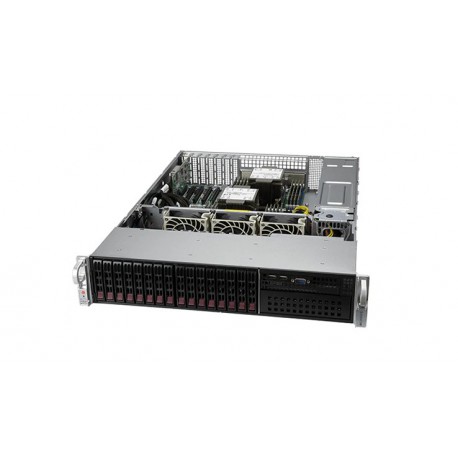
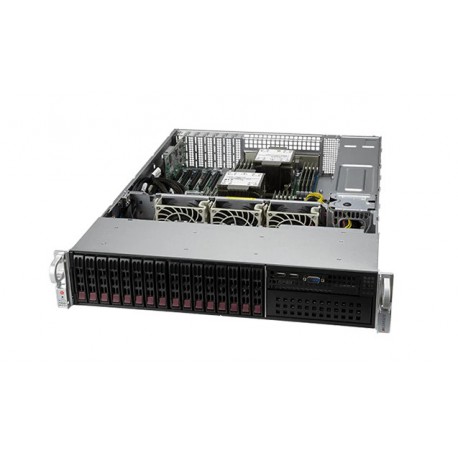


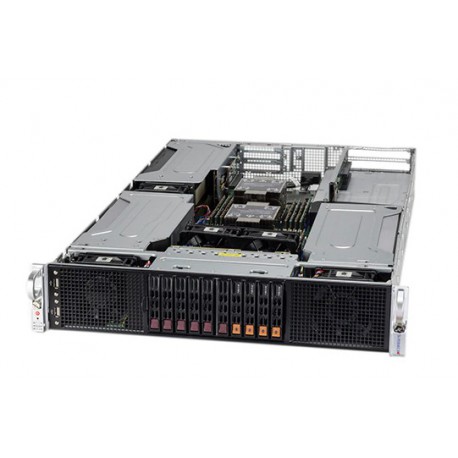
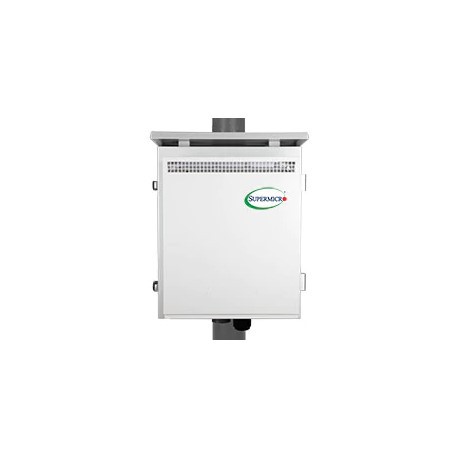
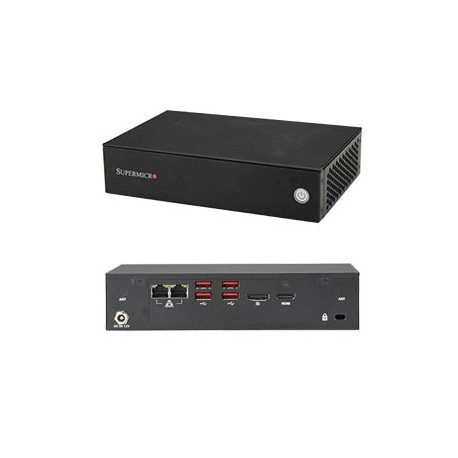
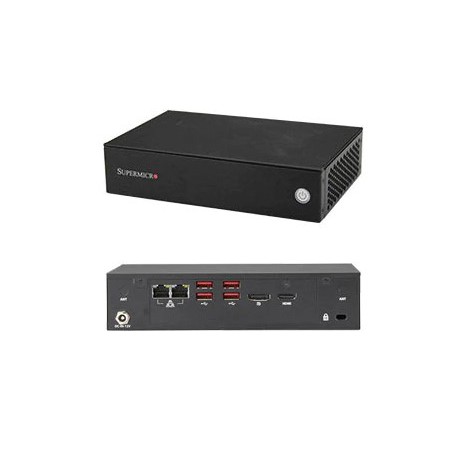
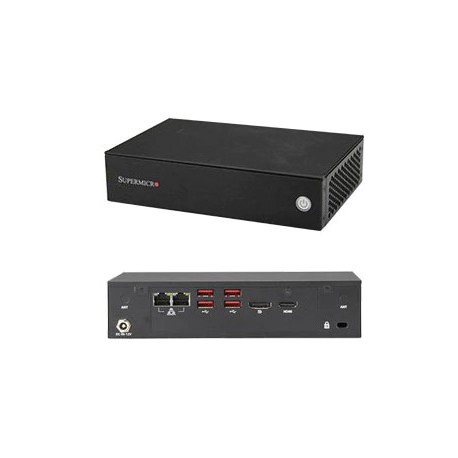
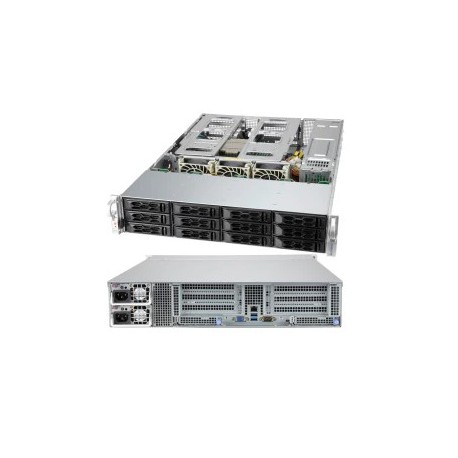
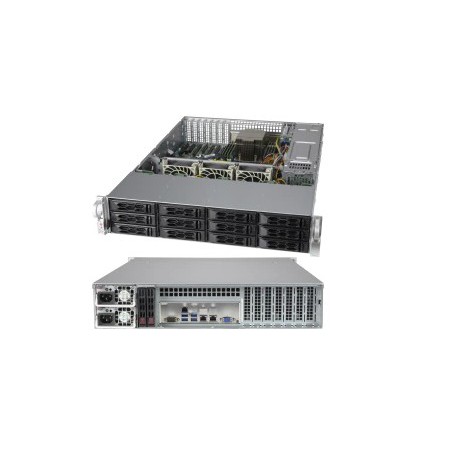
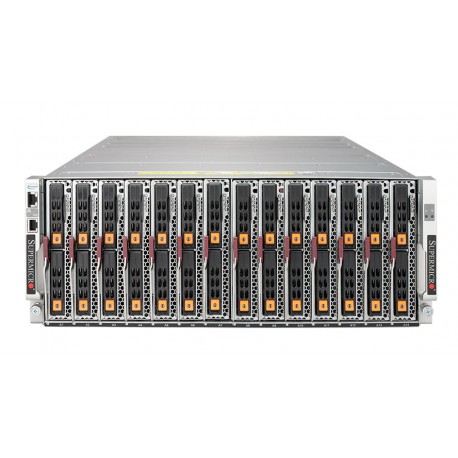
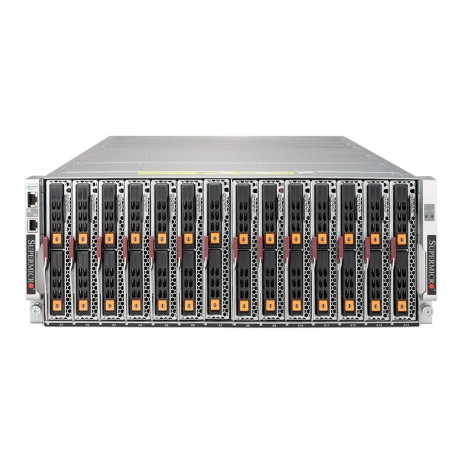
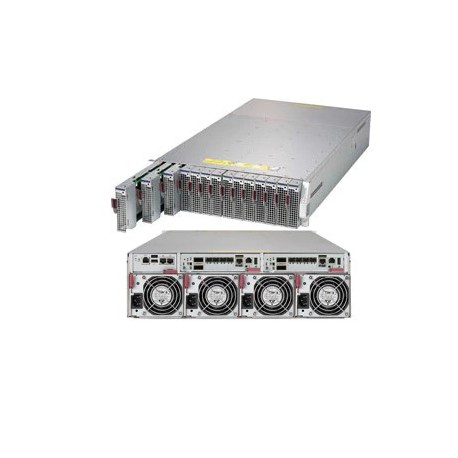
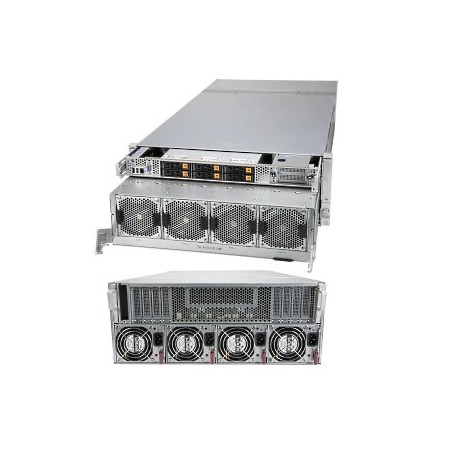
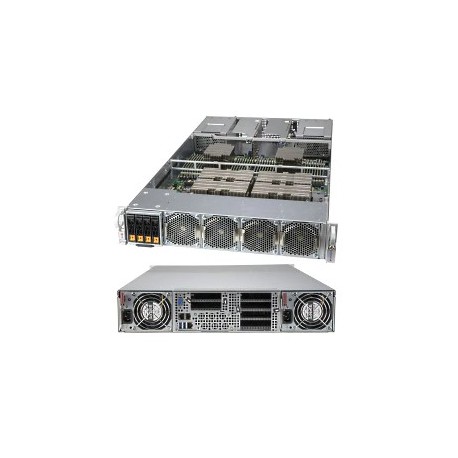
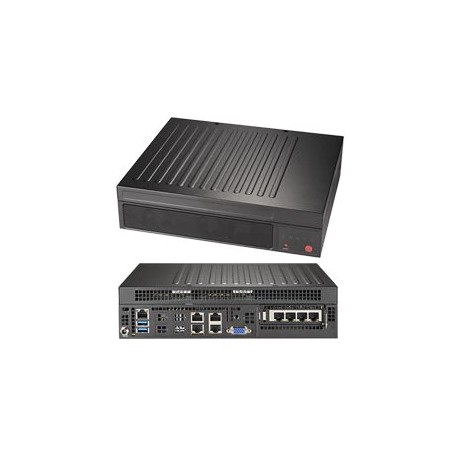
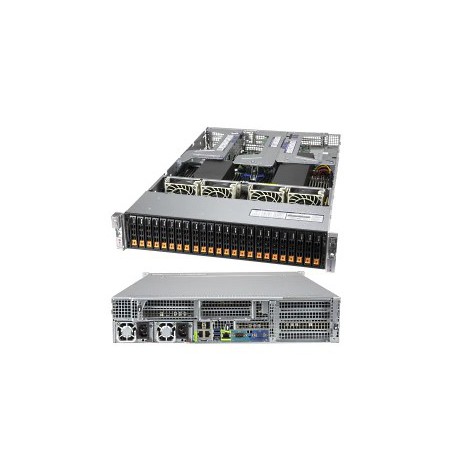
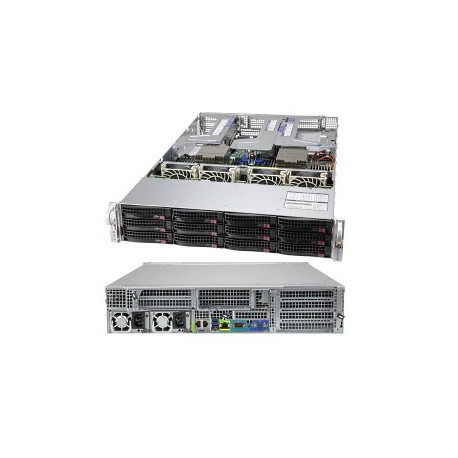
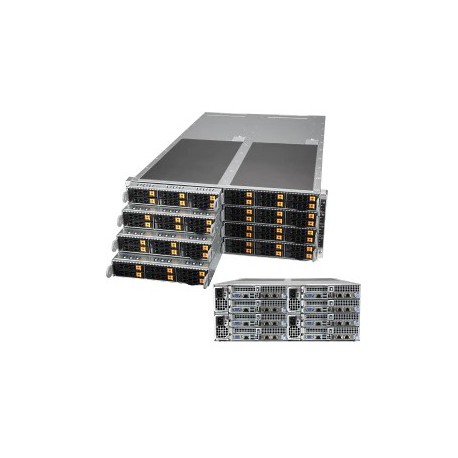
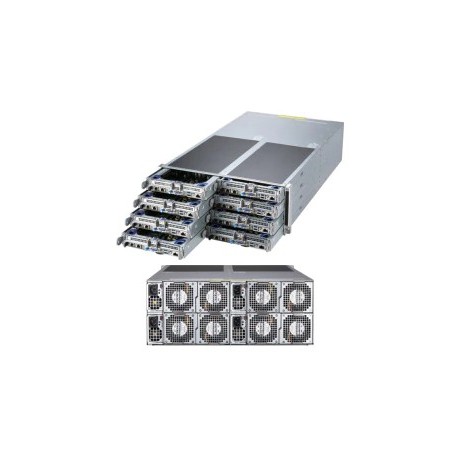
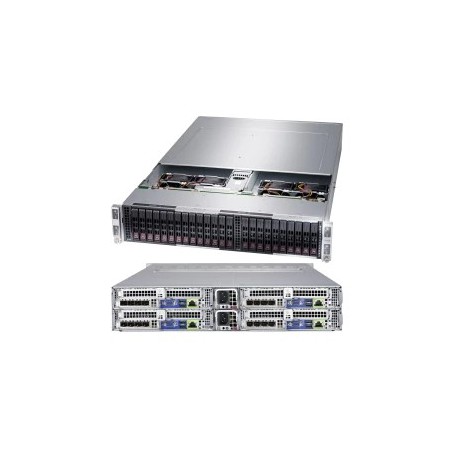
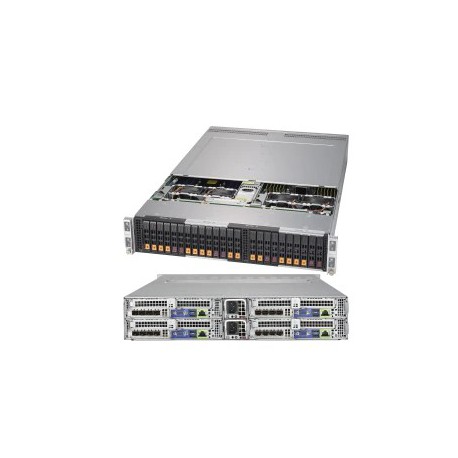
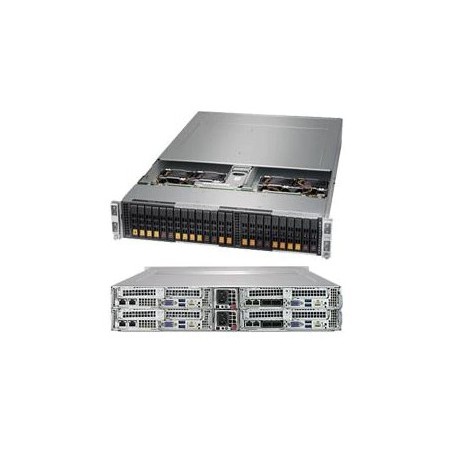
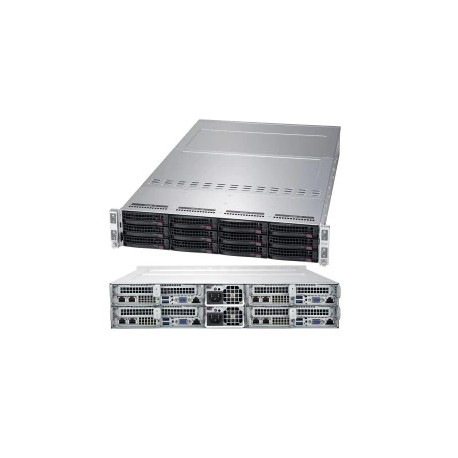
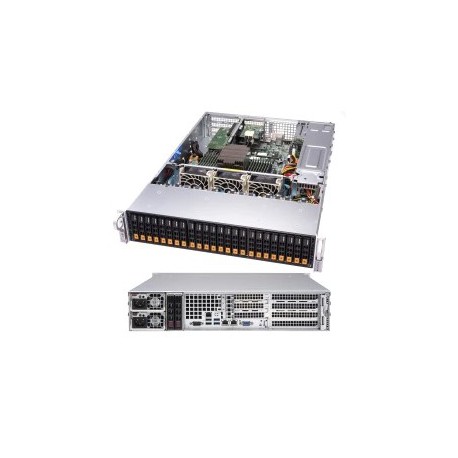




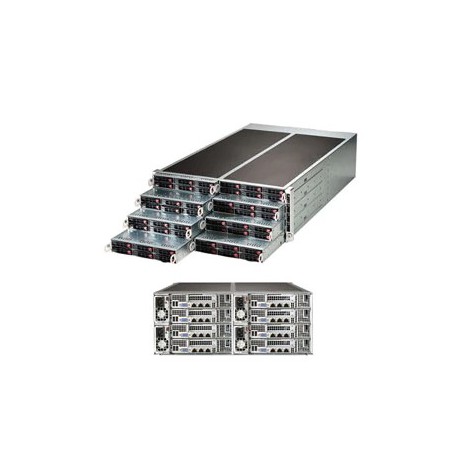

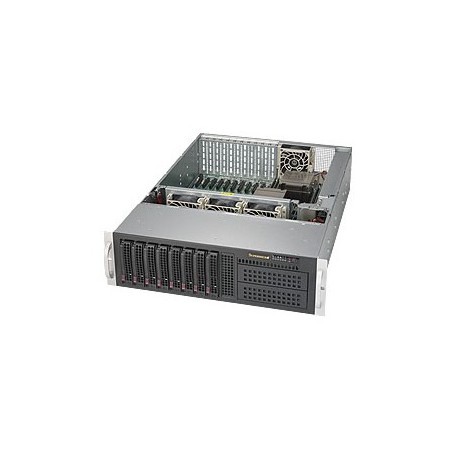

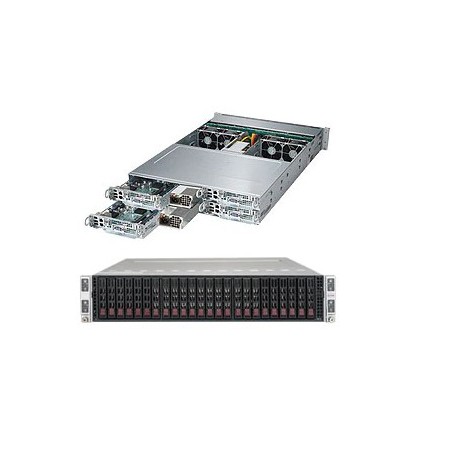

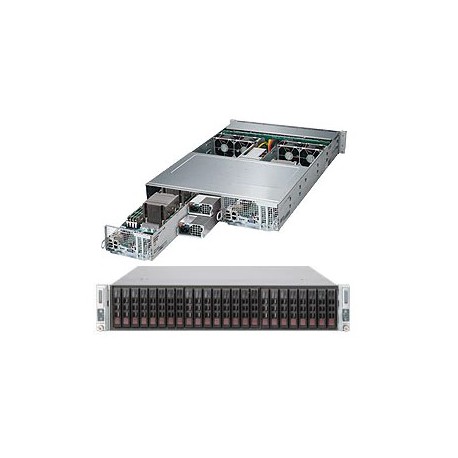
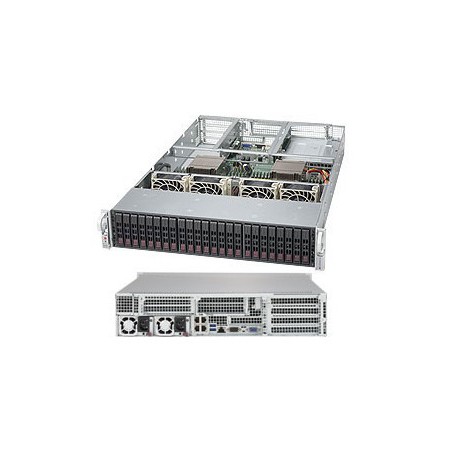
What are server systems?
We deal with server systems in every larger IT network (local or connected to the Internet), for example in a small or medium-sized company, where there is a need to provide resource sharing services to other users for other computers. Shared resources can include, for example, files, databases, as well as peripheral devices: scanners, network copiers, and so on. In the past, this function was performed by ordinary personal computers, but quite quickly a separate category of devices appeared with larger disk space and stronger parameters, also with dedicated software. In the shortest terms, a server system is an important element of network infrastructure, without which it is hard to imagine a company functioning today.
Server systems - configuration options
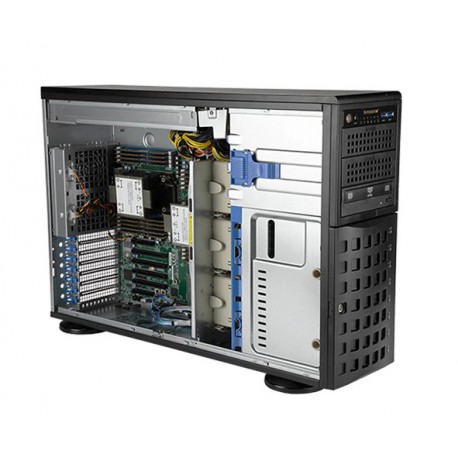
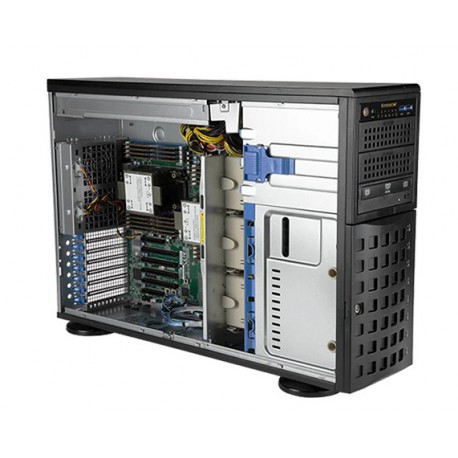
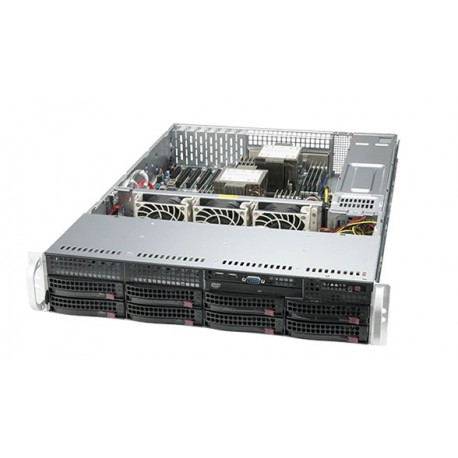
Today we can freely configure the components of a server system so that it meets our needs. One of the most important things is connecting the server system to a fast connection - today they are most often connected directly to a fiber-optic connection. But that is not all. Software, size, special motherboard (due to the large data throughput, multi-processor boards are used), memory (much more than in classic home-use PCs - even several dozen modules), type of hard drives (today these are most often fast and efficient SSD drives), operating system (the most popular one used today is Apache, although some manufacturers, including Supermicro, include dedicated software with their devices), processor or power supply (due to the requirement of failure-free operation, today’s servers are often equipped with two Hot-Plug power supplies that can be connected to the unit without having to turn off the power) – all these parameters determine the performance of the system and, consequently, its “throughput capacity”. For example, when our priority is space, it is worth choosing a smaller Tower-type unit – it does not differ in appearance from an ordinary personal computer. For customers who have more space and need more powerful devices, Bizserver also offers Rack-type server systems.
Help with server configuration
Server configuration is the final stage of installing a server system. It is worth entrusting it to a specialist who will install the appropriate operating system (the most commonly used today include FreeBSD, GNU/Linux, Solaris, HP-UX, AIX, OS X, Microsoft Windows Server), take care of installing the system, configuring the firewall and connections, local proxy server, DHCP, mail, WWW or database, and finally optimize the unit’s functions for our needs. The configuration service is most often performed at the client’s site, while administration of the unit can already be carried out remotely. For this purpose, manufacturers of server systems often provide special software, the use of which guarantees that the unit will operate quickly and reliably. Finally, let us add that proper configuration of server systems guarantees that our data will not fall into the wrong hands. In case of problems with choosing the right server system, please contact us by phone or electronically.