

-
Serwery Storage
-
-
Serwery Storage
test -
img
-
-
-
Serwery Storage
test -
img
-
-
-
Serwery Storage
test -
img
-
-
-
Serwery Storage
test -
img
-
-
Blog

February 12, 2024
Knowledge base
 Views
Views
 Liked
Liked
Views
Liked
star_border
star_border
star_border
star_border
star_border
(0)





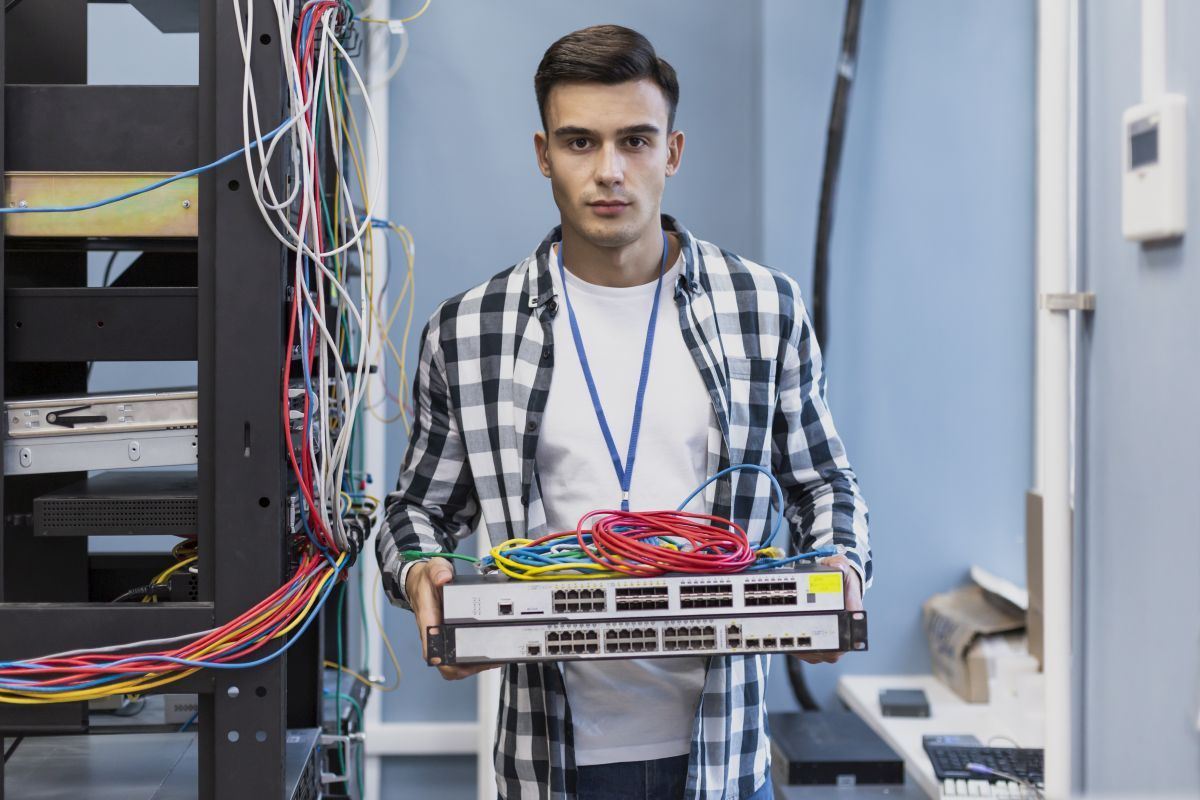












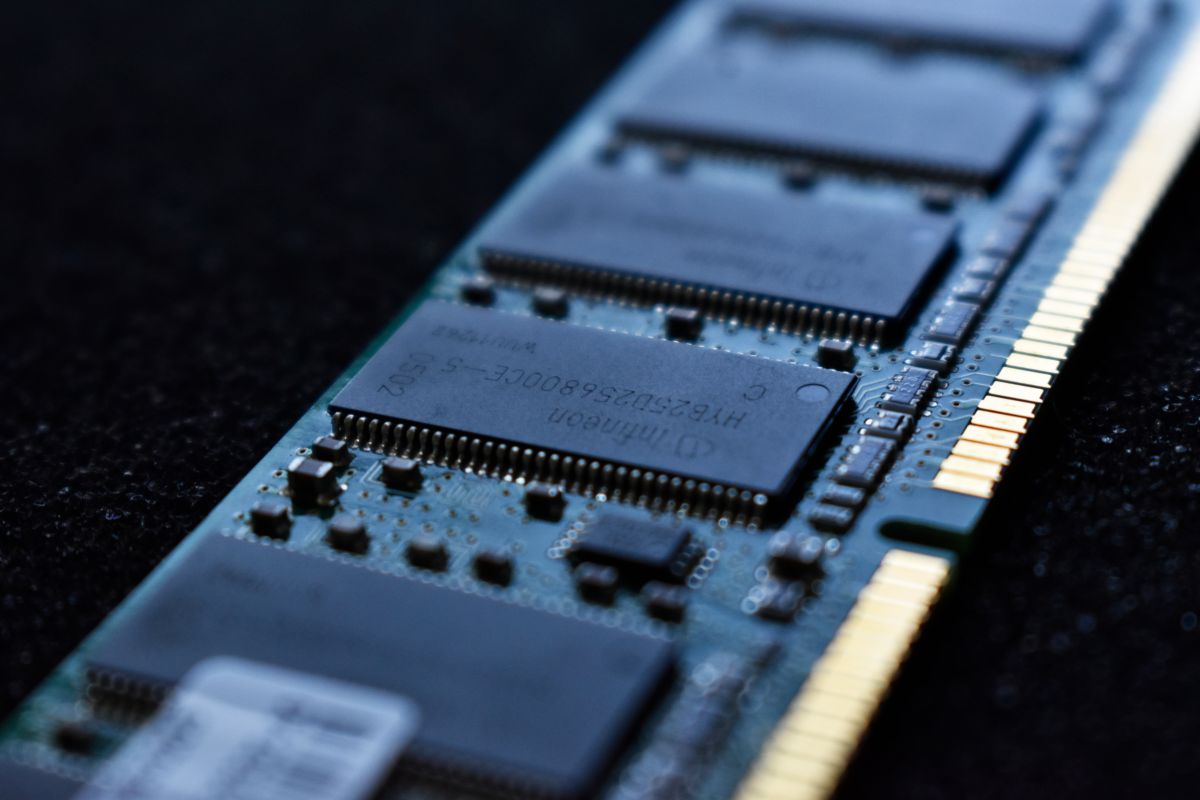

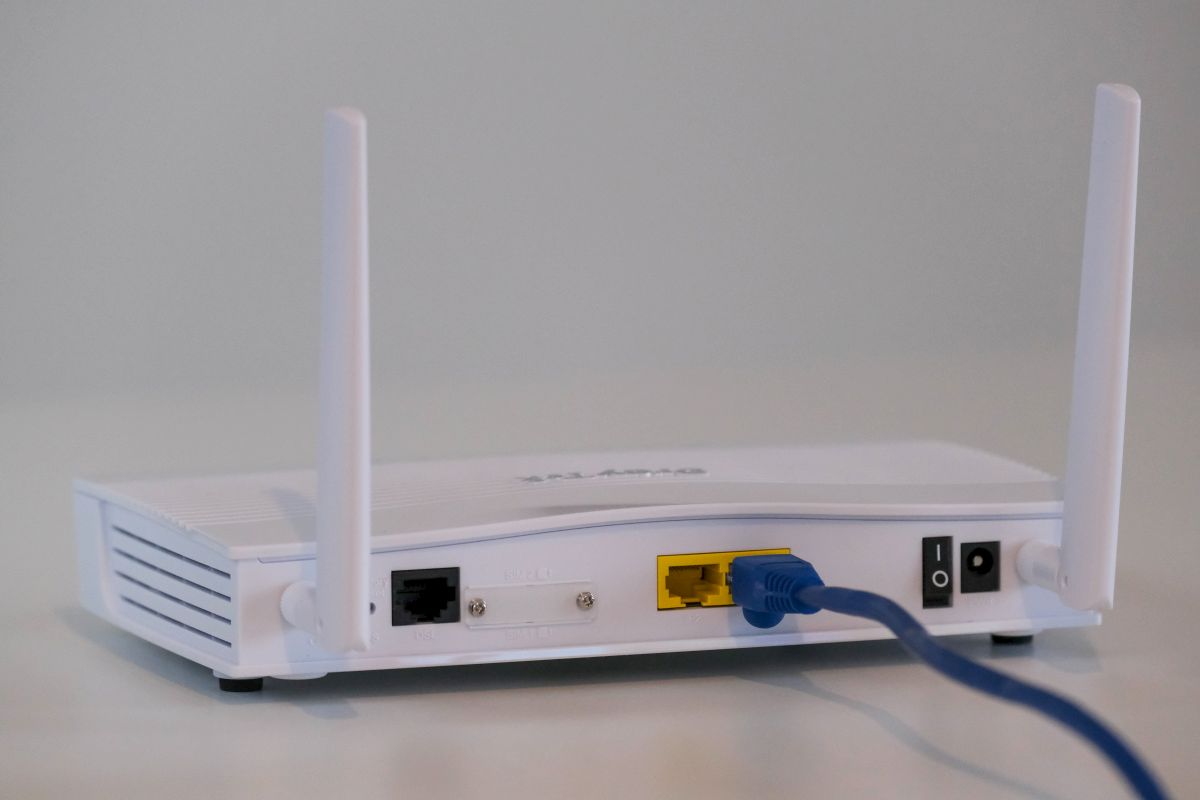






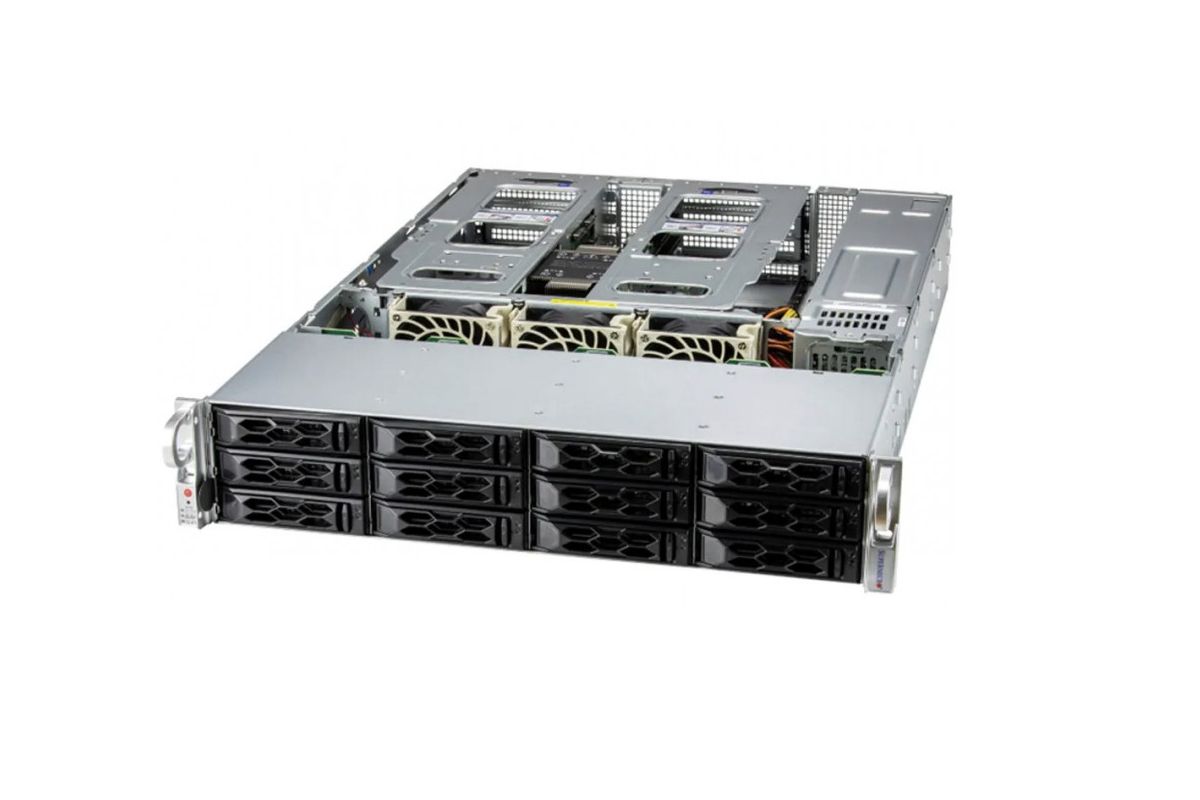









Servers are generally reliable, and failures do not happen very often. However, like any device, they can also malfunction. Below, we explain how to deal with some possible problems.
Problems while working with the server:
1. Cannot connect to the network.
This is usually caused by missing or outdated drivers. One of the simplest and most satisfactory solutions is to install the latest drivers.
It may also be caused by interference from other devices in the network, such as a firewall. In this case, disconnect the server from the network and try connecting it via a crossover cable to another network device.
2. HDDs dropping out of the RAID array.
This could be due to a malfunctioning fan causing strong vibrations. In such cases, the fan should be repaired or replaced.
3. The server generates an acoustic signal.
This indicates a problem with at least one component such as:
- Motherboard,
- Controller (if a disk array is created),
- Backplane,
- Redundant power supply (failure of one of the power supplies),
- or another server component.
4. Unable to start the server.
In extreme cases, it may be necessary to replace components such as RAM, power supply, processor, or motherboard.
However, before doing so, closely inspect the server. Check if any server LEDs are blinking or lit and if the server is emitting beeping sounds. Most server manuals provide information on what each LED indicates and the meaning of its state (blinking or steady).
Interestingly, servers are designed to "communicate" what has failed through sound, somewhat like Morse code. In this case, the generated signals have different meanings. This code consists of short and long "beeps," with specific sequences corresponding to particular issues. The meaning of these sequences is usually described in the user manual. This way, you can diagnose the cause of your server's malfunction.
If we cannot diagnose why the server is not working, we can take the following steps:
Disconnect all cables, wait at least 10 seconds, and then reconnect them. Connect a compatible keyboard and monitor to the server and try to start it.
If it still does not work, further actions are needed. To do this, disconnect all cables, open the server case, and:
- Disconnect all components from the motherboard that are not needed for minimal operation,
- Remove all unnecessary RAM modules for minimal operation,
- Disconnect PCI/PCIe cards,
- Reconnect all necessary cables and try to start the server.
If it still does not work, component replacement (RAM, power supply, processor, motherboard) is necessary.
The solutions provided are only guidelines. Repairing such complex machines should be entrusted to professionals.
March 11, 2021
Knowledge base
Views
Liked
Common server problems
Views
Liked
star_border
star_border
star_border
star_border
star_border
(0)
A brief description of the most common issues that occur with servers and how to fix them.
 |
|
Alchelor